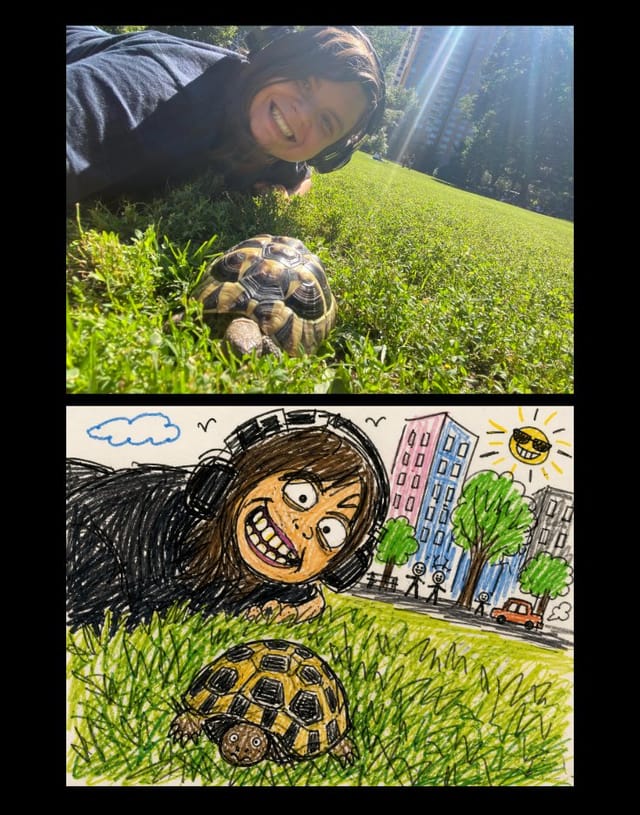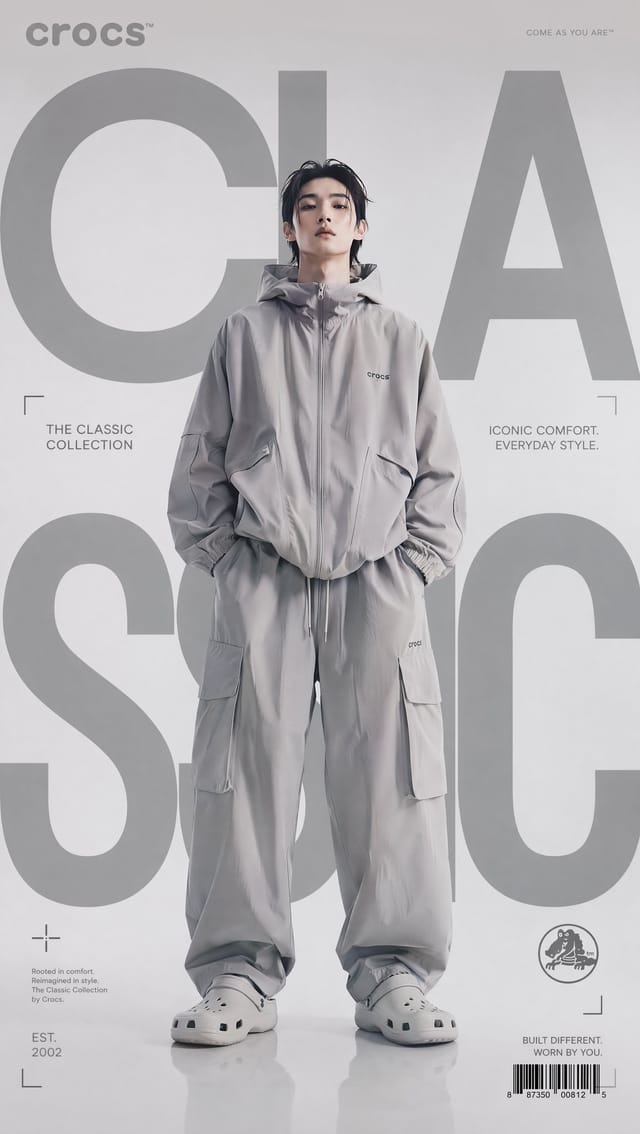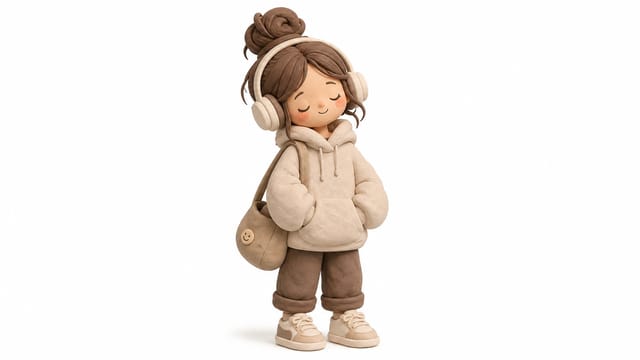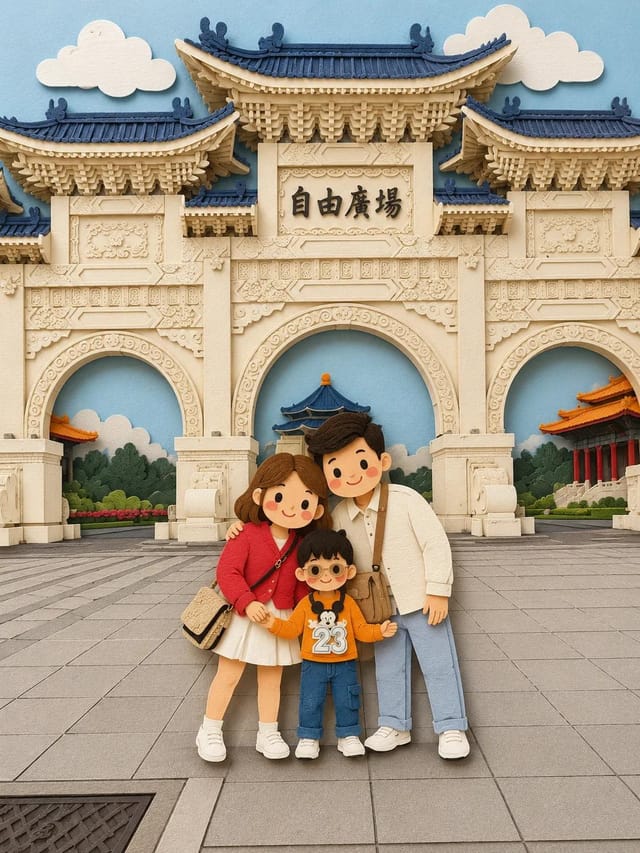
Soft Paper-Cut Layered Illustration Prompt
FamilyMiniature World
Browse beautiful AI photos made with models like GPT Image 2 and Nano Banana. Copy the full prompts behind each image for free, then adapt them for your own photos.
Prompt collections
A good prompt gallery should help you move from a finished image to a usable direction. Browse collections around the photo styles, subjects, and creative jobs people actually search for, then open the examples that match your project.
Not sure where to begin? Start with the kind of photo you want to make, then open a few examples to compare the prompts behind similar images.

PromptInspire is an AI photo prompt gallery for discovering finished images, studying the wording behind them, and turning a ready prompt into your own version.
Browse current portrait looks, product shots, photo edits, and viral AI styles instead of starting from a blank prompt box.
Open the full prompt text to see how subject, format, lighting, composition, and constraints shape the result.
Use the prompt in Gemini, GPT Image 2, Nano Banana, or your favorite image model, then adapt it for your own photo.
Use the gallery as a bridge between visual inspiration and practical prompt writing. Start with an image you like, inspect the wording behind it, then adapt the parts that matter.
Start from a finished AI photo, portrait, edit, product shot, or visual format that matches the result you want.
Look at how the prompt describes the subject, reference image, camera angle, lighting, background, style, and constraints.
Keep the useful structure, replace the personal details, and test the prompt in PromptInspire or your preferred image model.
The best prompts usually do more than name a subject. They give the model enough visual direction to understand what kind of photo to make, how it should feel, and which details should stay consistent.
Define the person, product, character, or reference image clearly, especially when the prompt needs to preserve a face, outfit, or object.
Describe where the photo happens, from a studio backdrop or bedroom mirror selfie to a beach, city street, cafe, or product display.
Add cues such as golden hour, soft window light, flash photography, cinematic shadows, dreamy color, or clean commercial lighting.
Use angle, lens feel, crop, distance, and composition details when you want a close-up portrait, full-body shot, flat lay, or editorial frame.
Specify whether the image should feel photorealistic, editorial, luxury, playful, analog, minimal, cinematic, or built for social media.
Mention aspect ratio, text handling, background cleanliness, realism level, or details to avoid when the final image needs a specific use.
Prompt lists are useful, but they can feel abstract when you cannot see what the wording creates. PromptInspire keeps the image and prompt together so each example becomes easier to judge, copy, and adapt.
Judge the finished image first, then decide whether the prompt is worth opening, copying, or saving for later.
Notice how strong prompts combine subject, lighting, camera language, style, and constraints instead of relying on one magic phrase.
Copy a prompt, adapt it for your subject, or open the generator when you want to turn inspiration into a new image.
Questions about the AI photo prompt gallery, free prompt browsing, and copy-paste workflows.
PromptInspire is for discovering trending AI photo prompts, copying the full prompt text, and adapting it into your own image-generation workflow.
An AI photo prompt gallery is a collection of finished AI images paired with the prompts used to create or edit them. It helps you judge the visual result first, then study the wording behind the image.
Yes. You can browse prompt examples and copy the prompt text for free. Image generation features may use credits or plan limits depending on the model you choose.
Yes. Many prompts are designed to work as copy-paste starting points for Gemini-style photo edits, and you can also adapt them for GPT Image, Nano Banana, and other image models.
Many prompt structures can transfer across models, but results will vary. Use the gallery image as a reference for the intended direction, then adjust wording, reference images, and model settings when needed.
Text-to-image prompts describe the whole image from words alone. Image-to-image prompts usually depend on an uploaded or referenced image, which matters for face preservation, outfit changes, product edits, and similar-photo workflows.
Use an image-to-image workflow when identity matters. The prompt should clearly ask the model to preserve the same face, facial features, age, and identity while changing only the pose, setting, clothing, lighting, or style.
AI image models interpret prompts differently, and even the same model can vary across runs. Reference images, aspect ratio, seed behavior, model version, and small wording changes can all affect the final photo.
Yes. Many prompts are useful for social posts, profile images, ecommerce shots, ad concepts, moodboards, and creative experiments. Always review model terms and image rights before using outputs commercially.
Yes. You can start from an existing work as inspiration and use reference-based creation to make a new variation in your own direction.
Yes. Add works to favorites so you can return to the image, prompt, and creation path when you are ready.
No. PromptInspire is an independent product that provides a visual workflow and interface for supported AI image models. It is not affiliated with, endorsed by, or sponsored by OpenAI, Google, Black Forest Labs, or other model providers unless expressly stated.
Browse the free AI photo prompt gallery. When an image, prompt, or workflow catches your eye, copy the full prompt and adapt it for your next image.