
AI image tool
Text Behind Image Generator
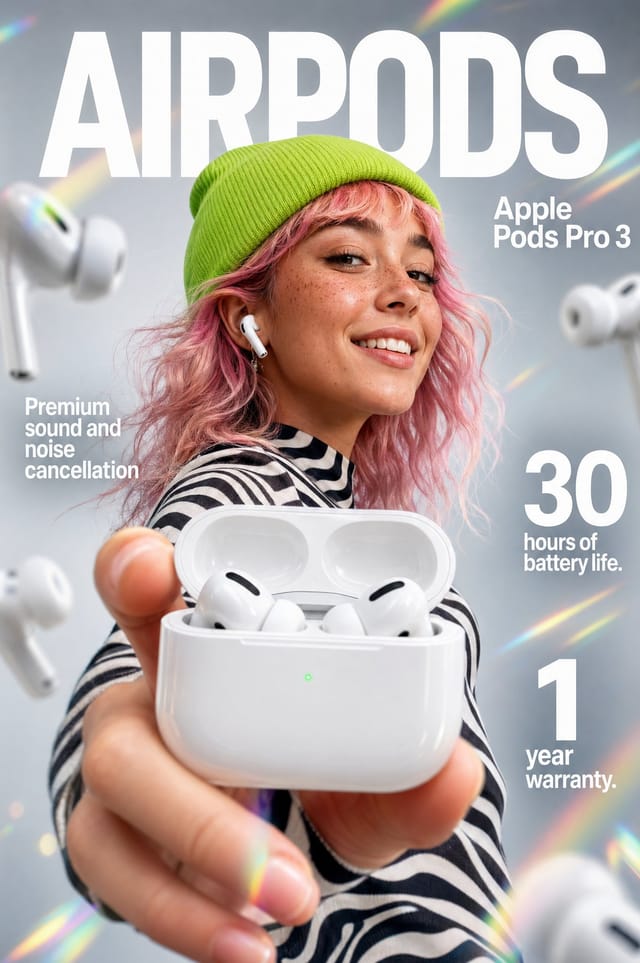
Create the depth effect where bold text sits behind a person, product, or object. Start with a reference image, choose the words and placement, then generate a polished poster, thumbnail, cover, or social visual.
Text Behind Image Generator
Text Behind Image Generator
Upload a clear subject photo, set the words and placement, then generate a layered image where the subject sits in front of the text.
Text layer
BEHIND
Subject in front
774 / 8000
Cost 6 creditsRemaining 0 credits
Image Preview
No Images Generated
What it makes
Layered text that feels built into the photo
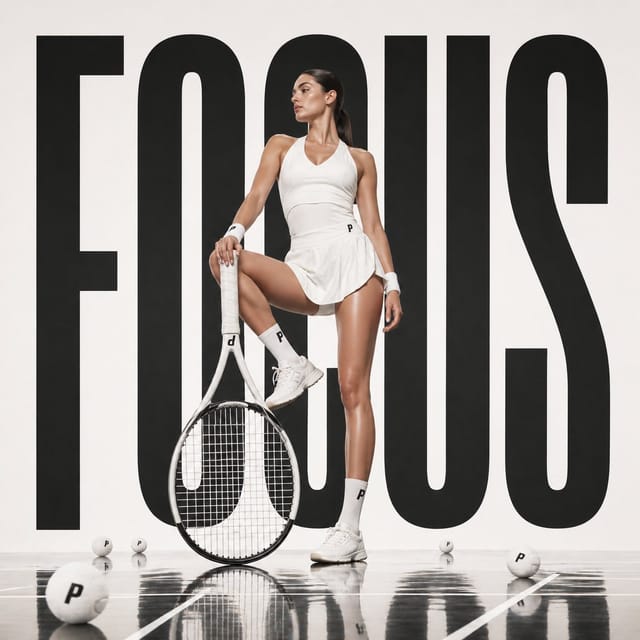
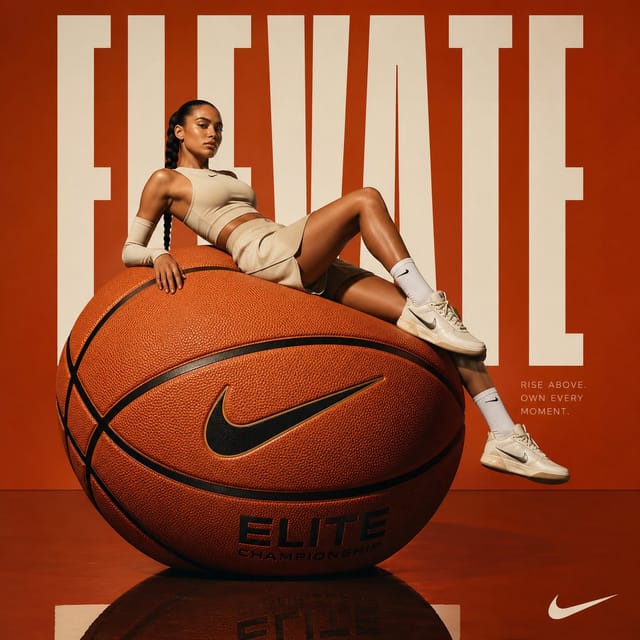
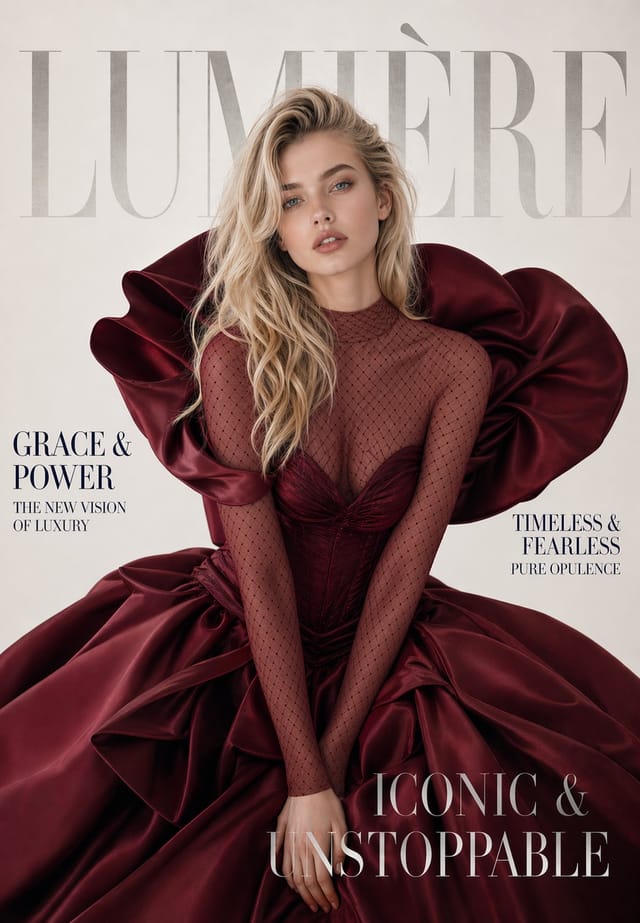
A text behind image composition separates the visual into three clear layers: the original scene, the text, and the foreground subject. The subject covers part of the letters, so the words feel like they belong inside the image instead of floating on top.
It works especially well for portraits, sports graphics, ecommerce product shots, fashion covers, music posters, YouTube thumbnails, and creator profile images where one clear subject can anchor the design.
Clear subject
Use a portrait, product, athlete, pet, or object with a recognizable foreground silhouette.
Short words
One to three bold words usually read better than a full sentence when parts of the text are hidden.
Strong contrast
Pick white, black, cream, or a brand accent that remains readable against the background.
Prompt examples
Text behind image prompts from PromptInspire
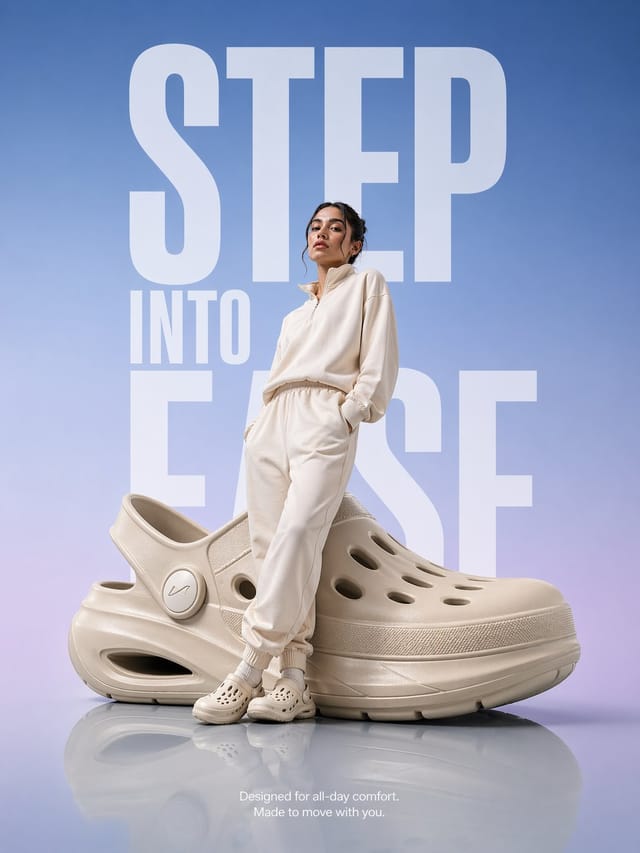
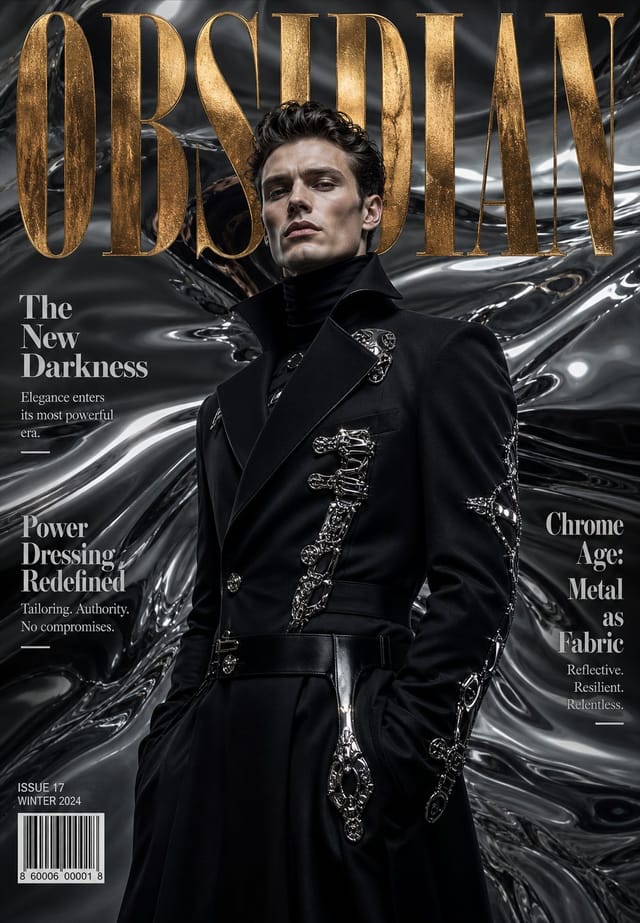
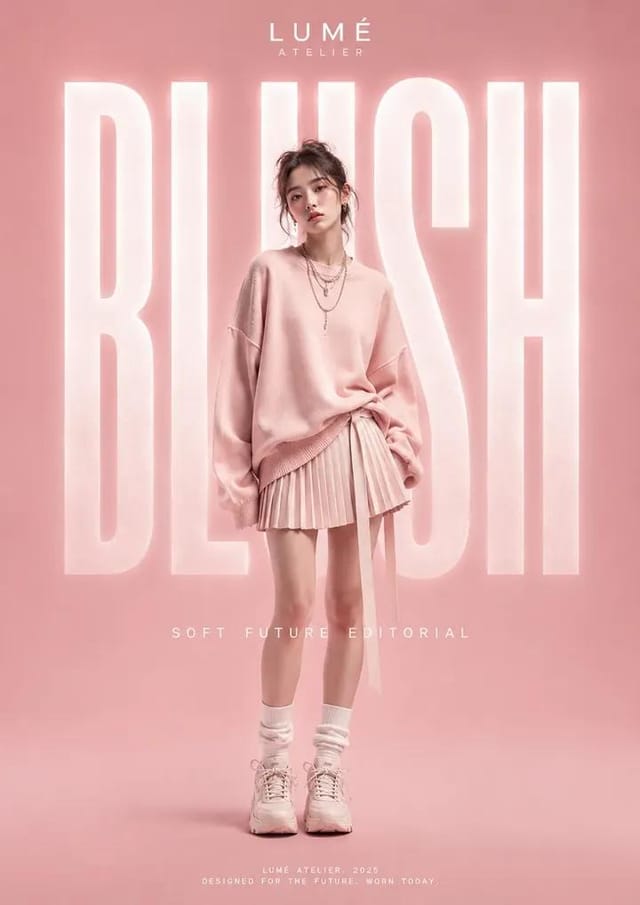
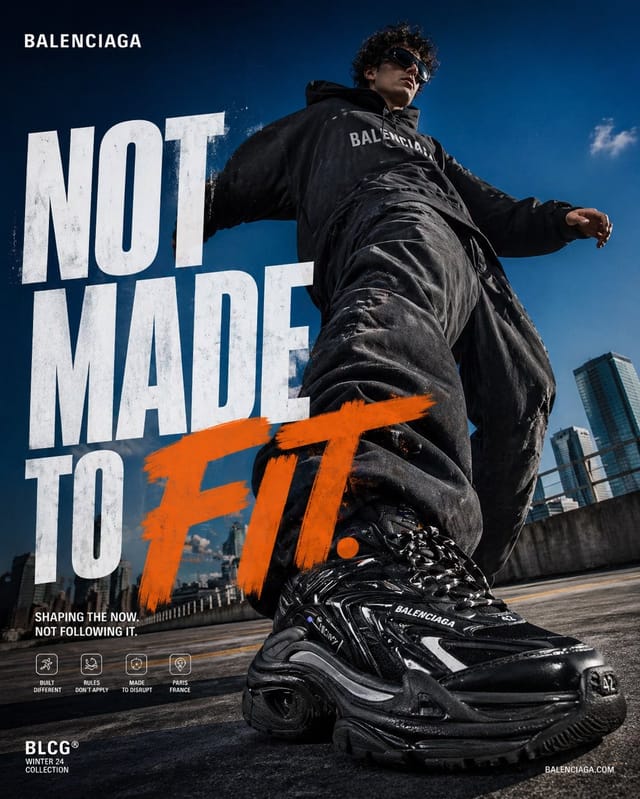
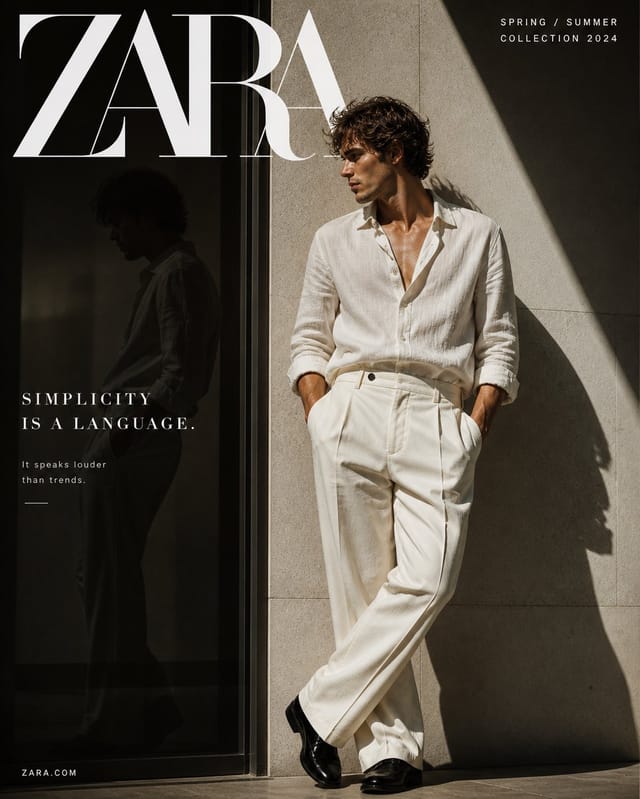
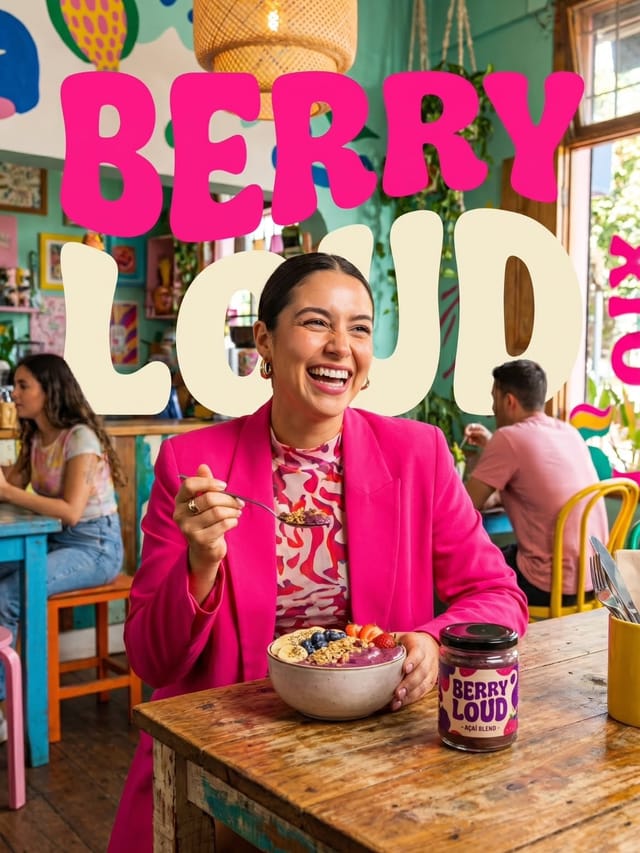
These examples use oversized typography, magazine mastheads, or campaign words positioned behind the main subject. Open any work to study the full prompt or send it to the generator.
FAQ
Text behind image questions
What image works best?
Use an image with one clear subject and enough background space for large letters. Portraits, products, athletes, pets, and fashion shots are strong starting points.
Can I choose where the text goes?
Yes. The tool prepares a prompt with your selected text position, typography, color, and depth style before generation.
Is this different from adding text over a photo?
Yes. A normal overlay sits on top of everything. A text behind image effect places the words between the background and the subject, creating a depth illusion.
Can I reuse existing PromptInspire examples?
Yes. The example works below include full prompts, and their generation actions can send prompt ideas or reference images into the generator.